
Game manual: Cash Out Game Manual
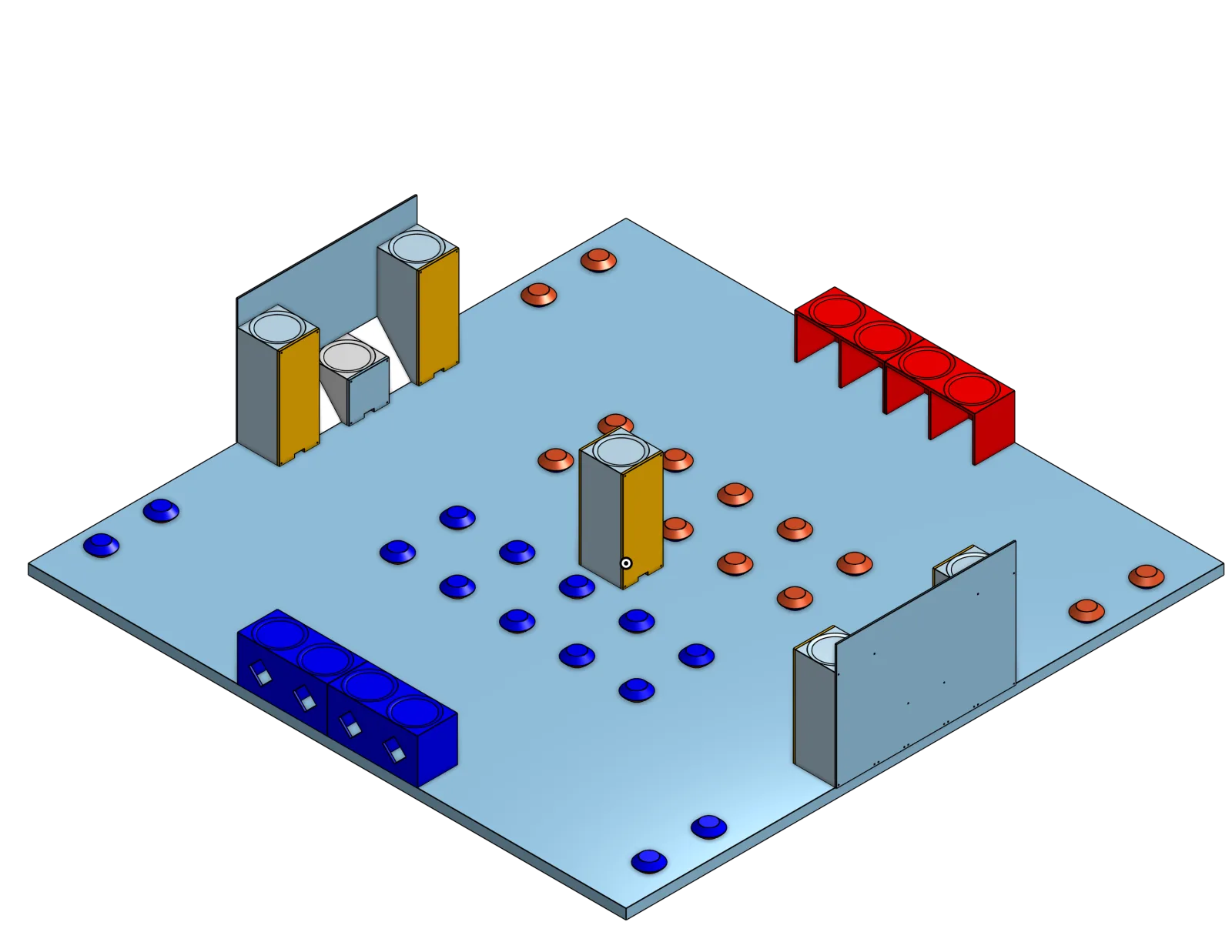
Cash Out is a game where robots flip chips to their color and score them up high for more points.
Remember, robots must start in 6 in³, can expand 12 in. by 12 in. by any height.
What to buy for a moving robot
Controller
The Alfredo NoU3 is an all-in-one robot controller. Plug in motors and servos, then upload code over USB-C.
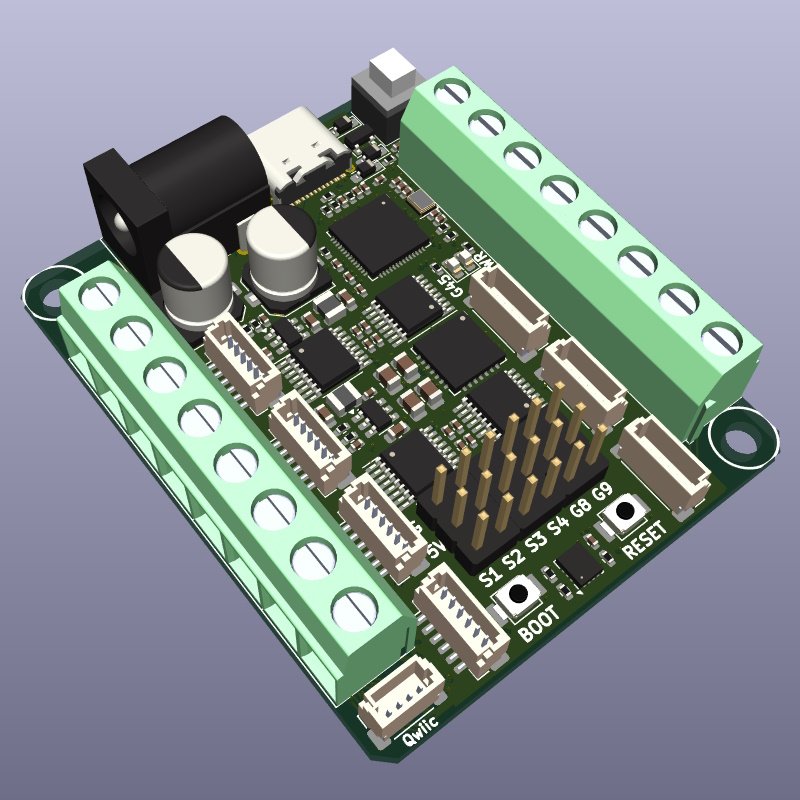 Alfredo NoU3×1
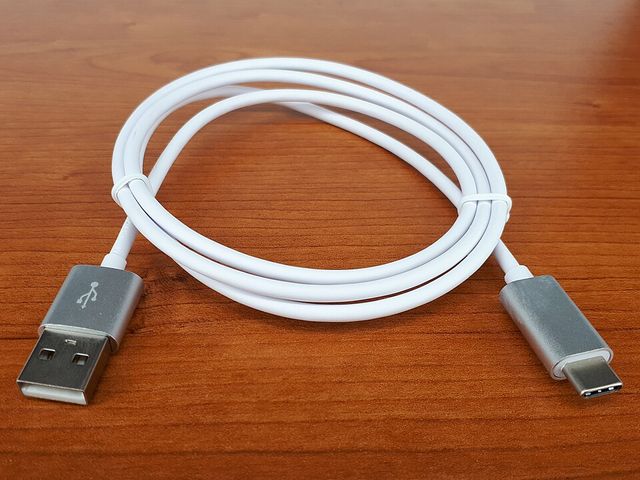 USB-C data cable×1
Motors
Buy two of one allowed motor type. N20 is the most common.
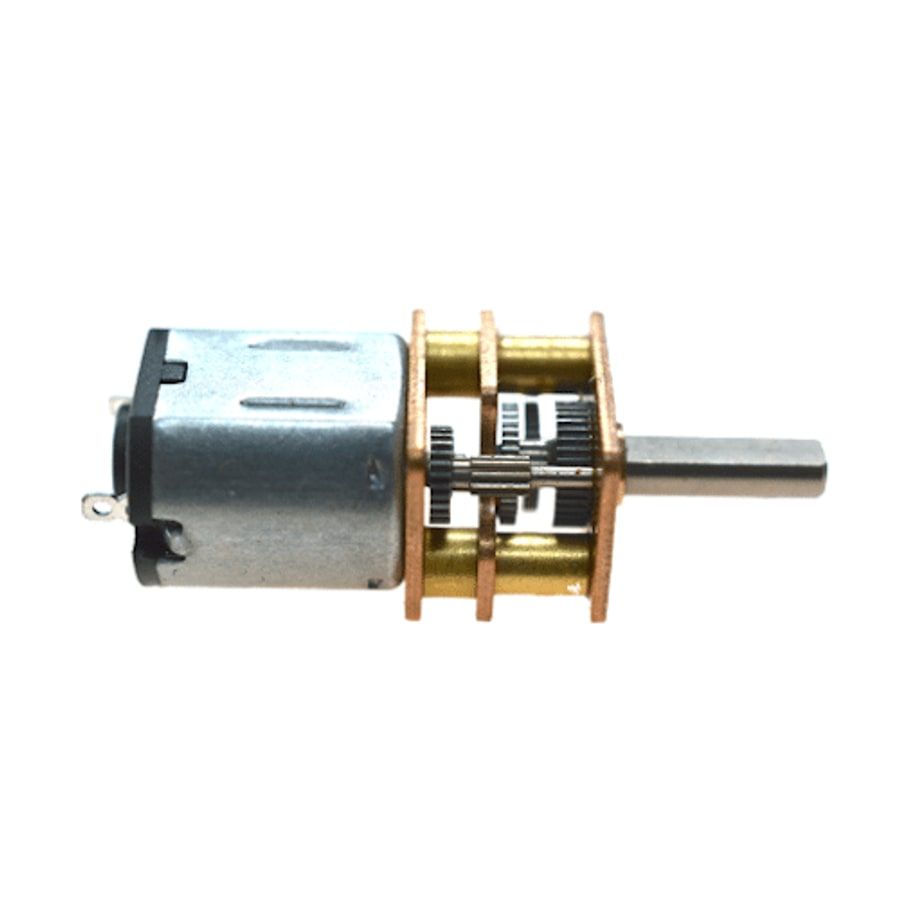 ×2legal alternative
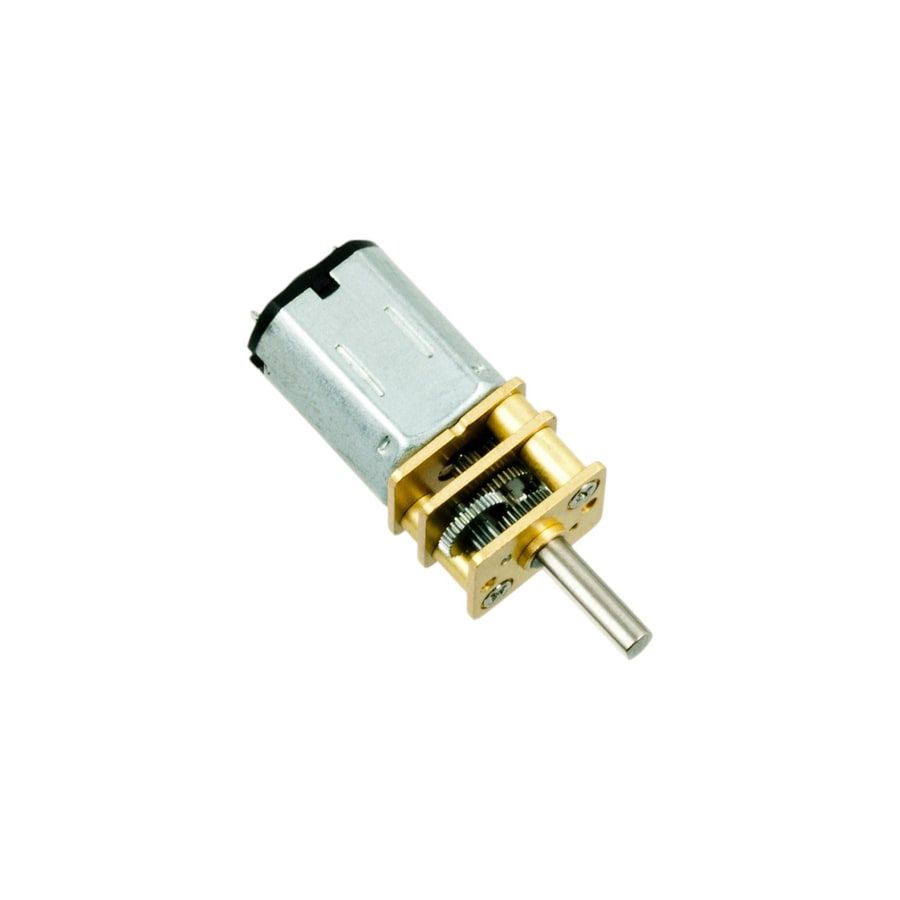 ×2most common
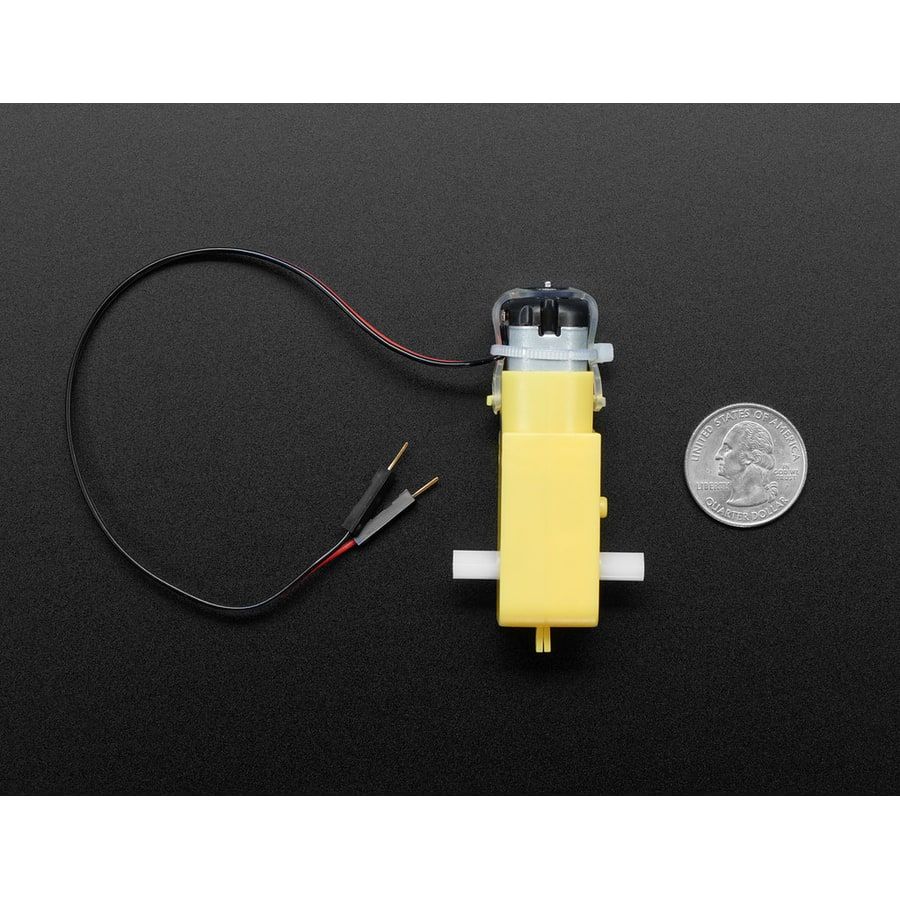 ×2legal alternative
Wheels
Buy the wheel row that matches your motor type, or 3D print them. Plenty of people do.
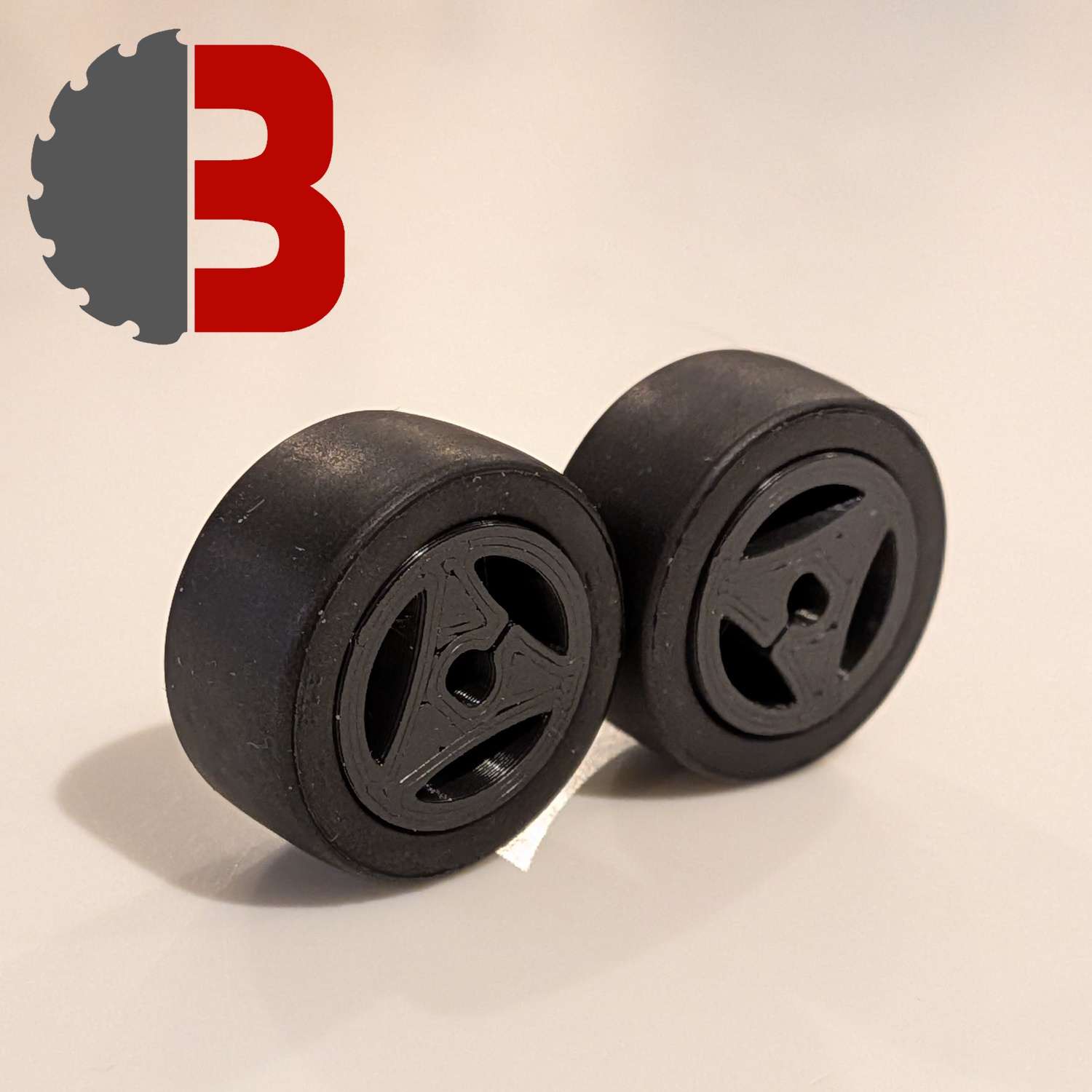 Wheels for N10 motors×2with N10
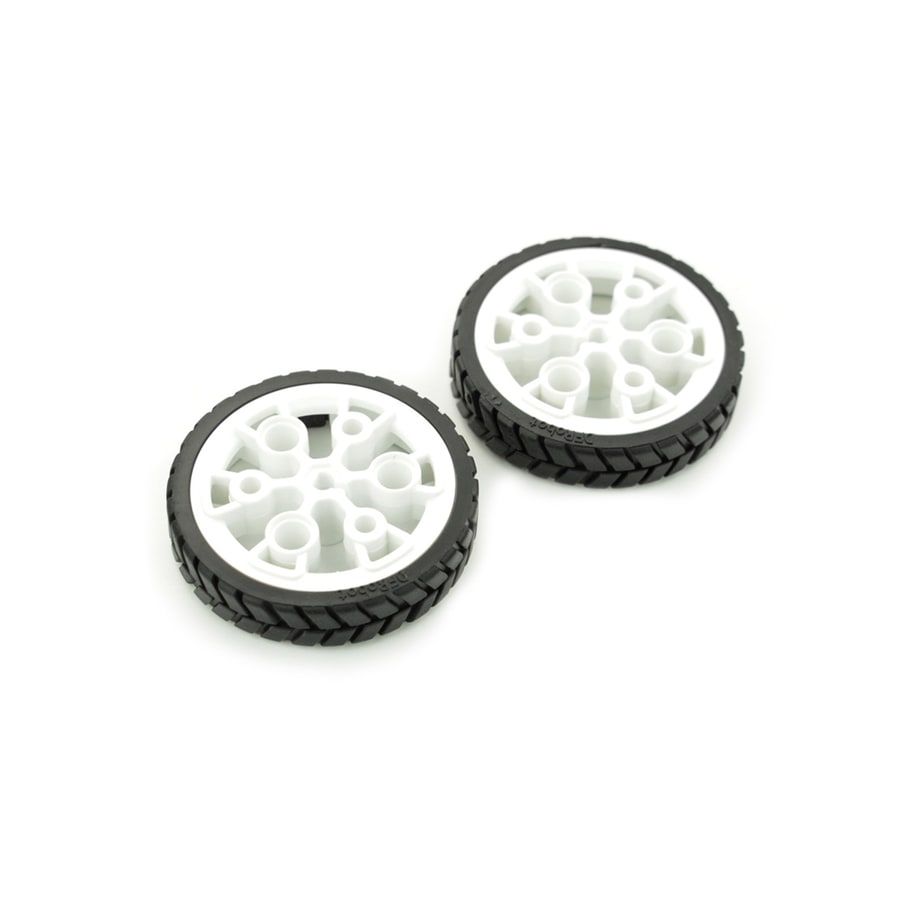 43 mm wheels for N20 motors×1 pairwith N20
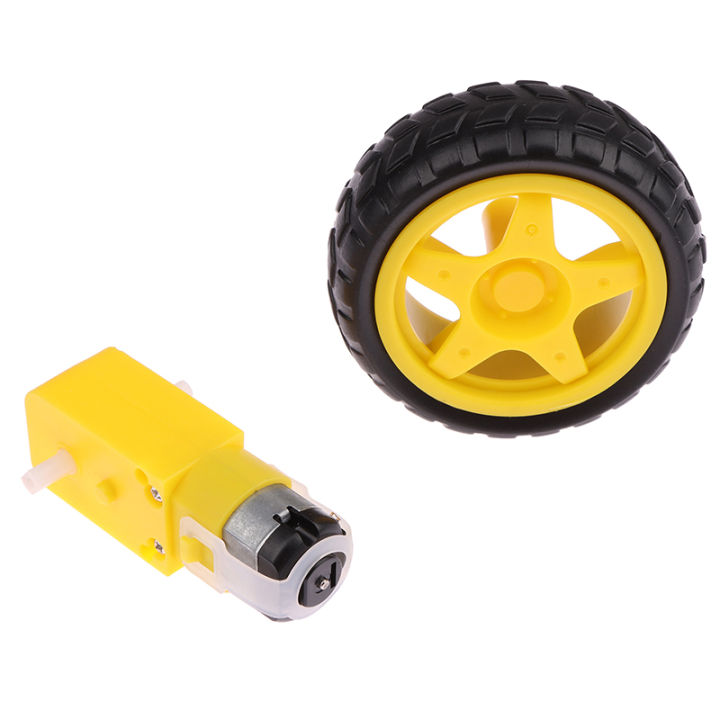 Wheels for TT motors×2with TT
Servos (optional)
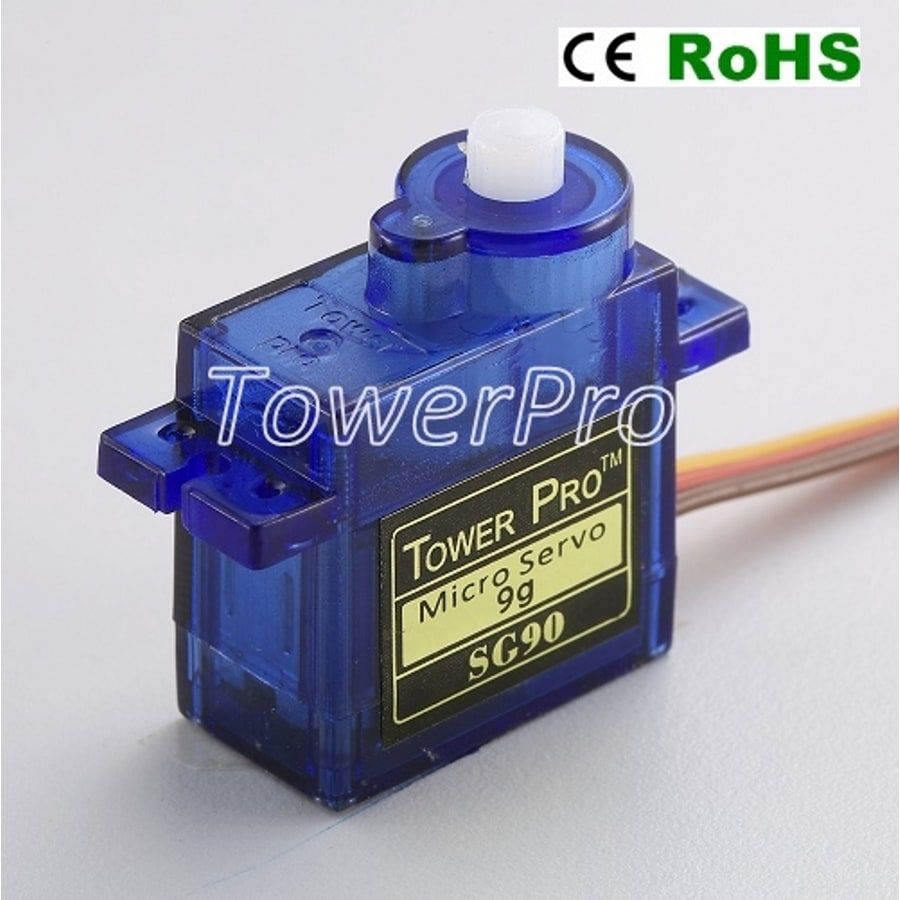
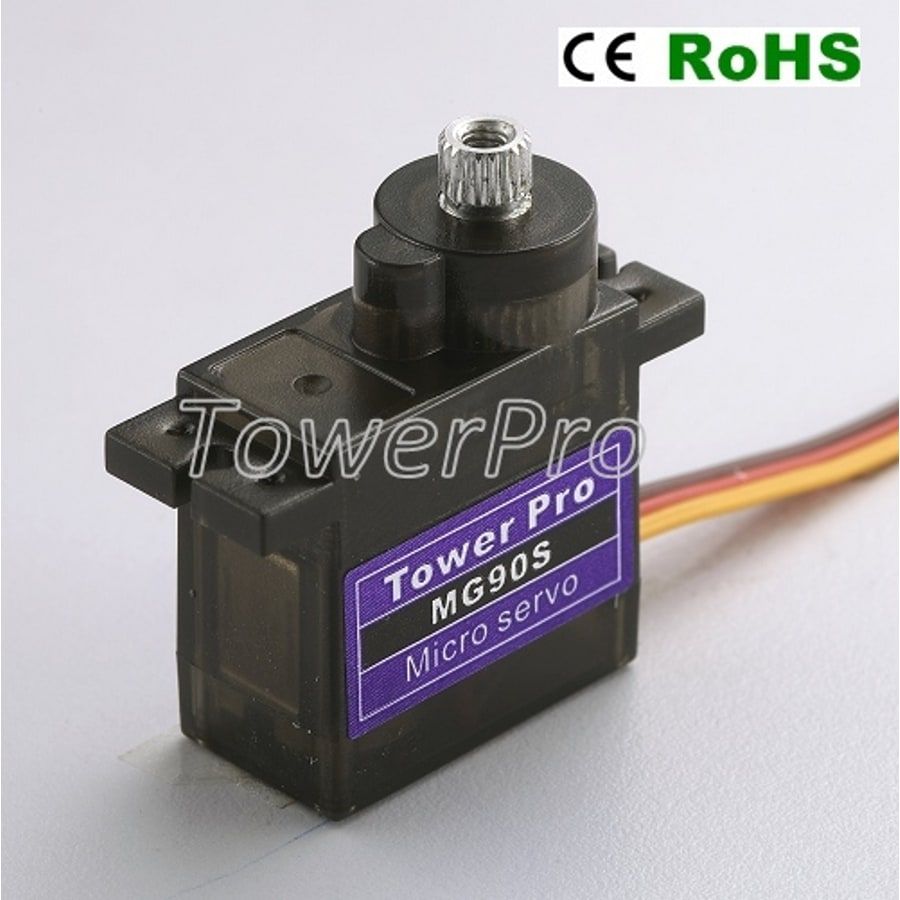
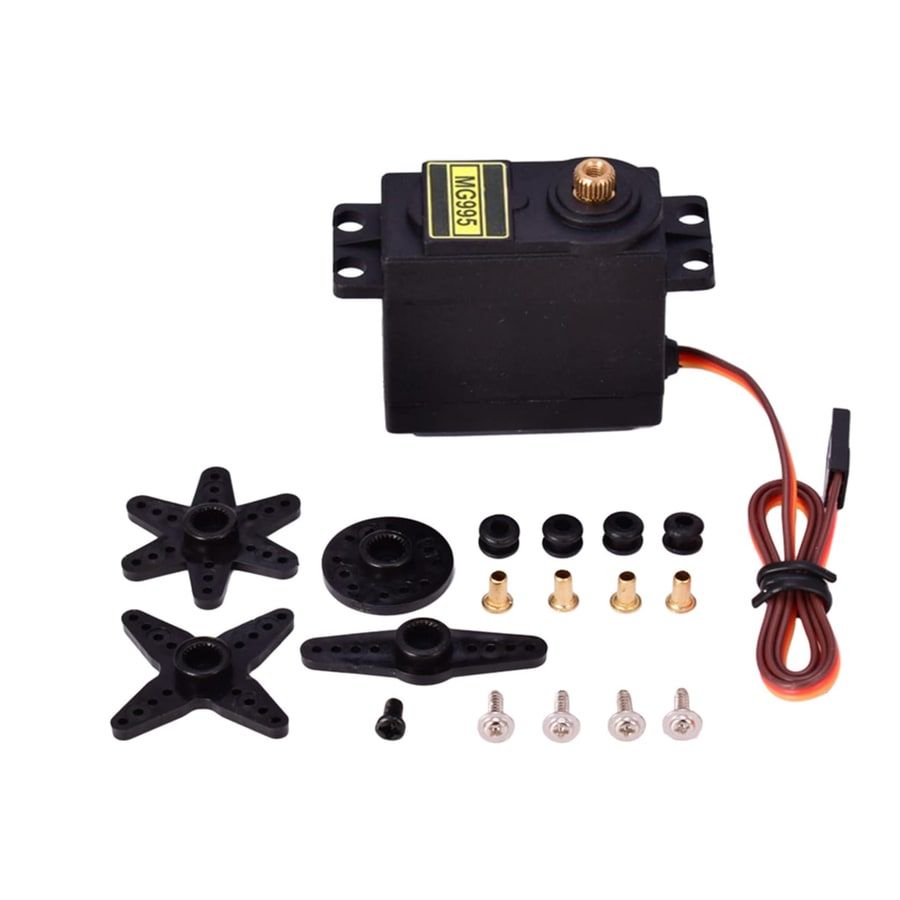
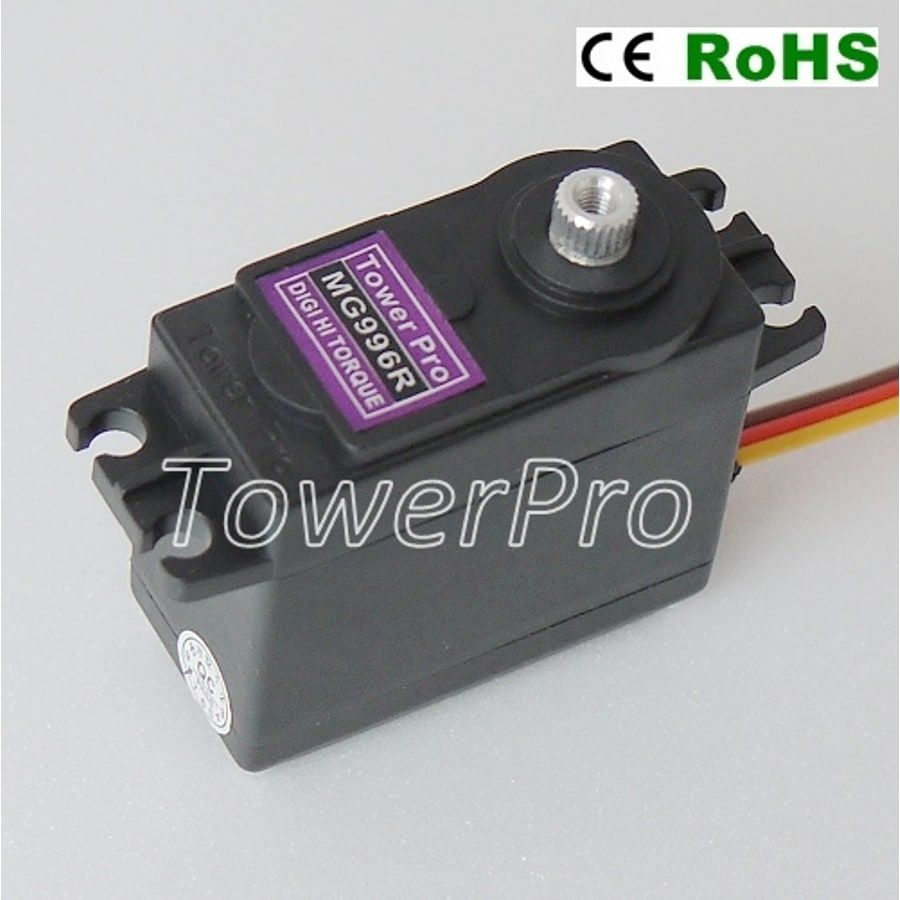
Add a servo when your robot needs an arm or another moving mechanism. Both positional and continuous-rotation versions of these servo families are allowed.
There are different qualities available for all these motors and servos; however, even the lowest-quality ones can still be competitive in our league.
Battery
All three battery options below are legal for competition.
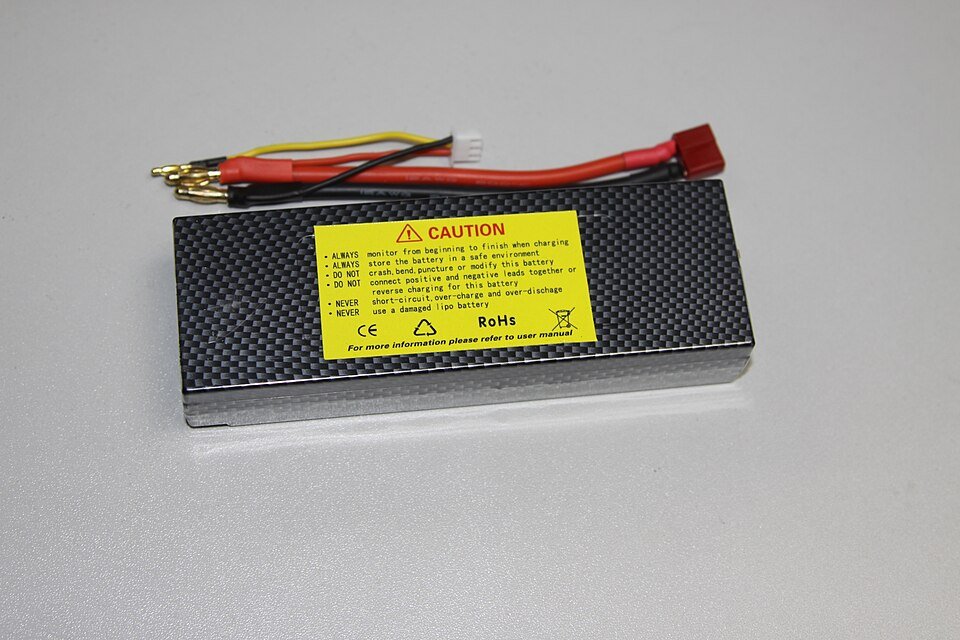 2S LiPo battery×1most power
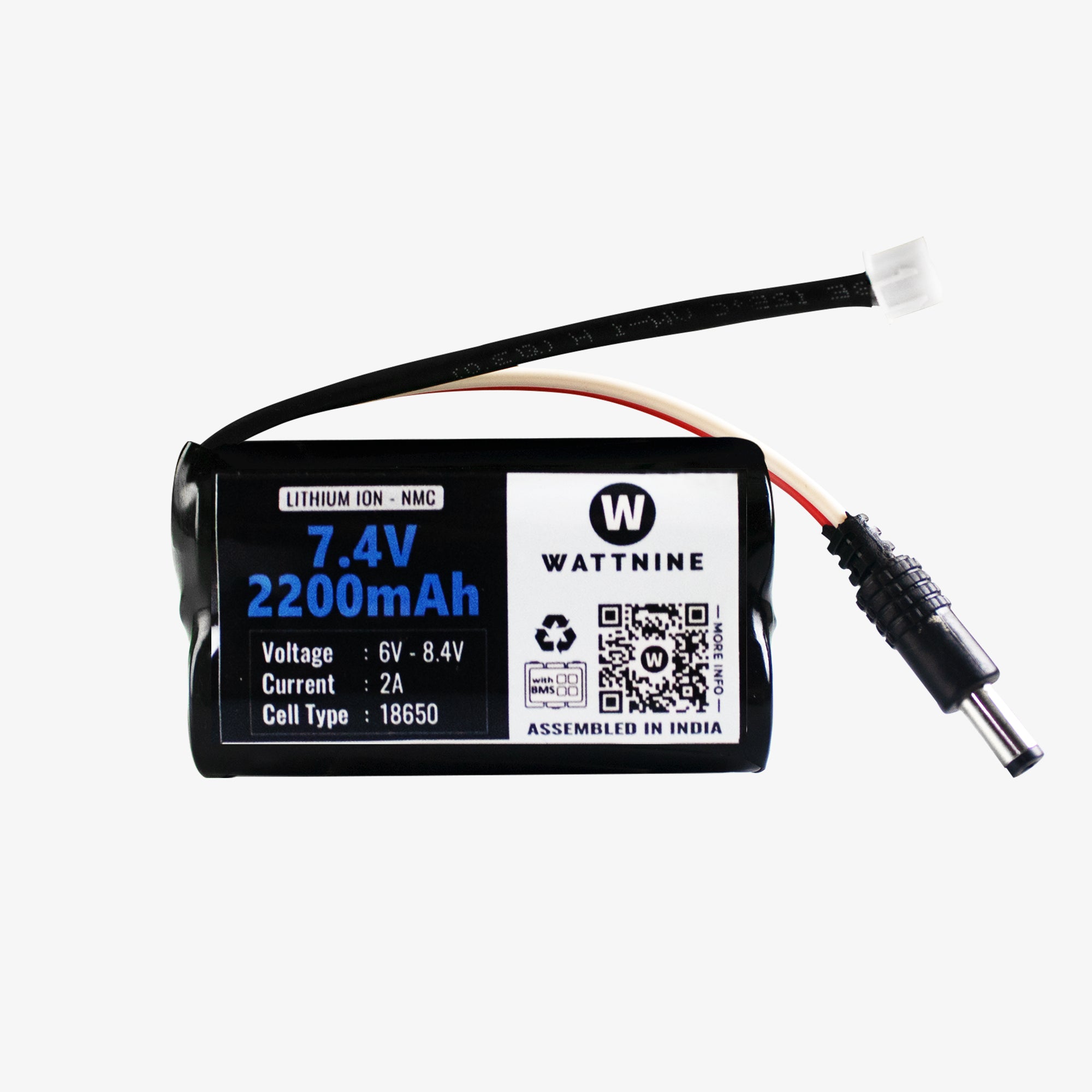 Protected 2S 18650 battery pack with barrel jack×1compact
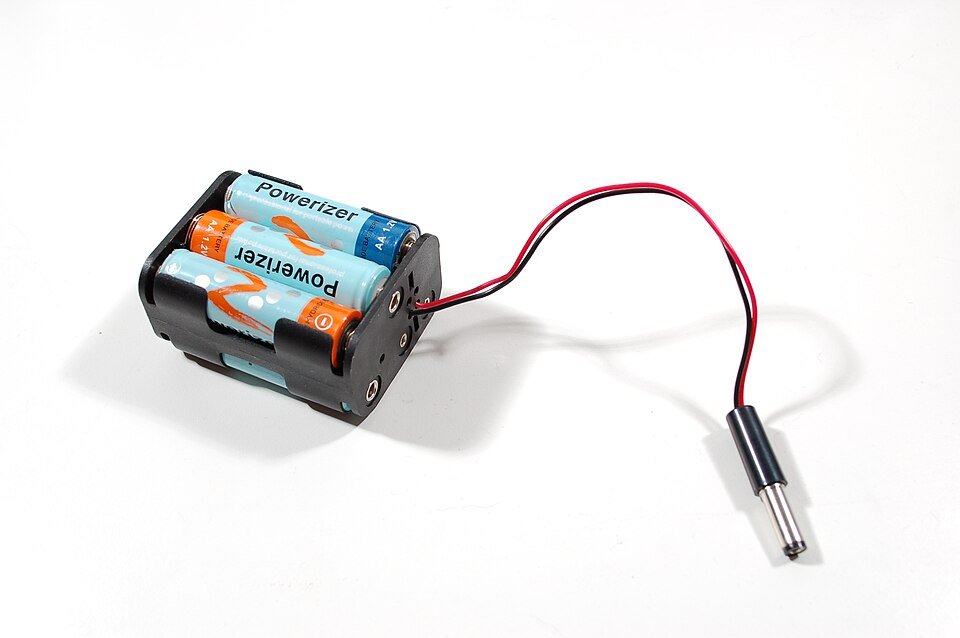 6×AA rechargeable NiMH battery pack×1simplest
The Alfredo NoU3 board takes a barrel jack, so choose the 18650 pack with a barrel plug; it connects directly without an adapter.
If you’d like help or a second opinion, post your parts list in Discord or message Matthew.
Once you have all this, follow this guide to drive a motor with code in 5 minutes.